One rename to deploy, 9 ms to roll back, 8 traps to dodge
My deploy kit for a static site on a small VPS: a folder per release, one atomic rename to go live, a 9 ms rollback, a read-only Caddy box, and 8 traps I found by testing it.
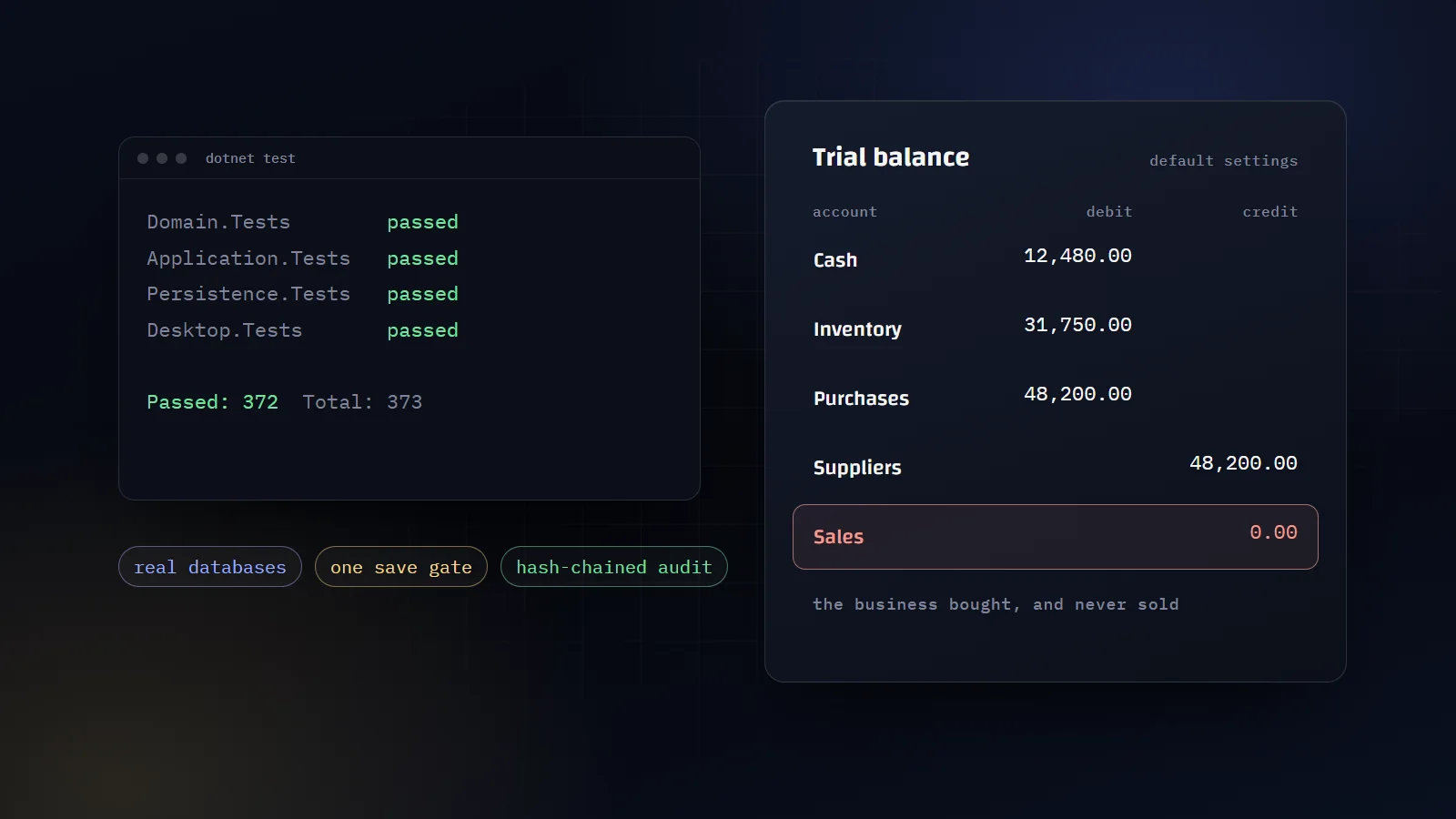
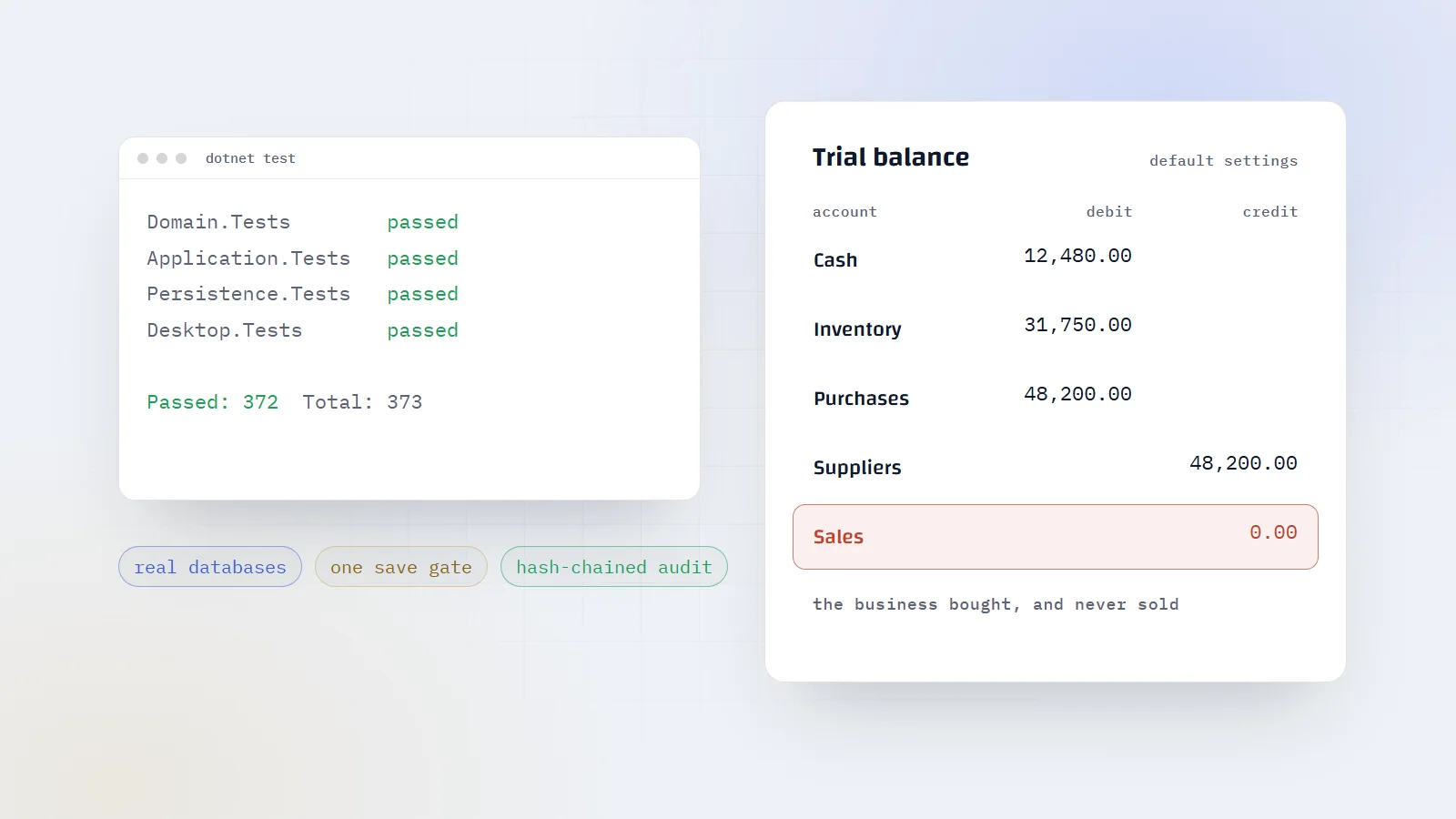
How I keep a 322,000-line accounting system correct on my own: one save gate, append-only money, a hash-chained audit trail, real-database tests, and the audit that caught what they missed.
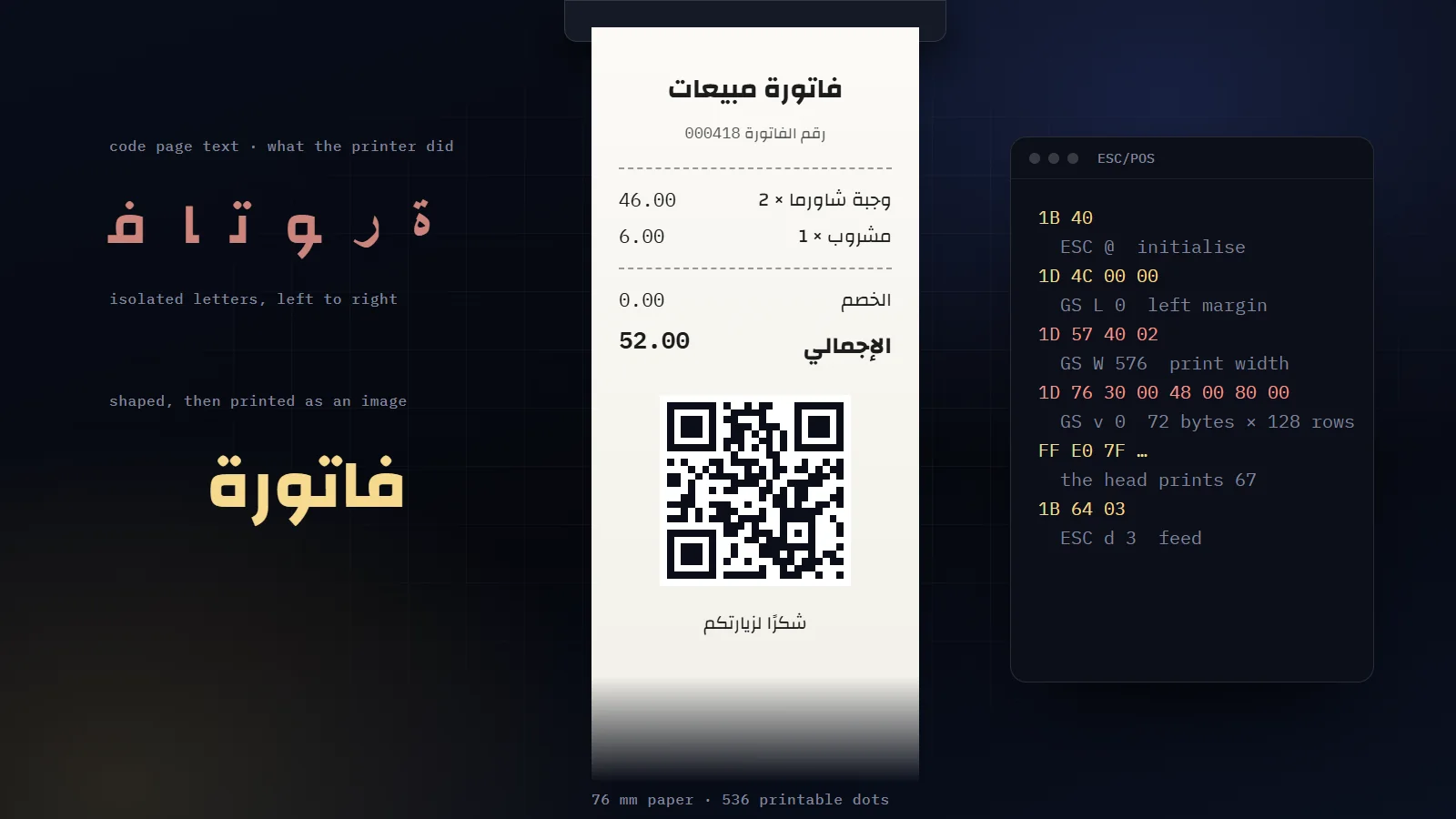
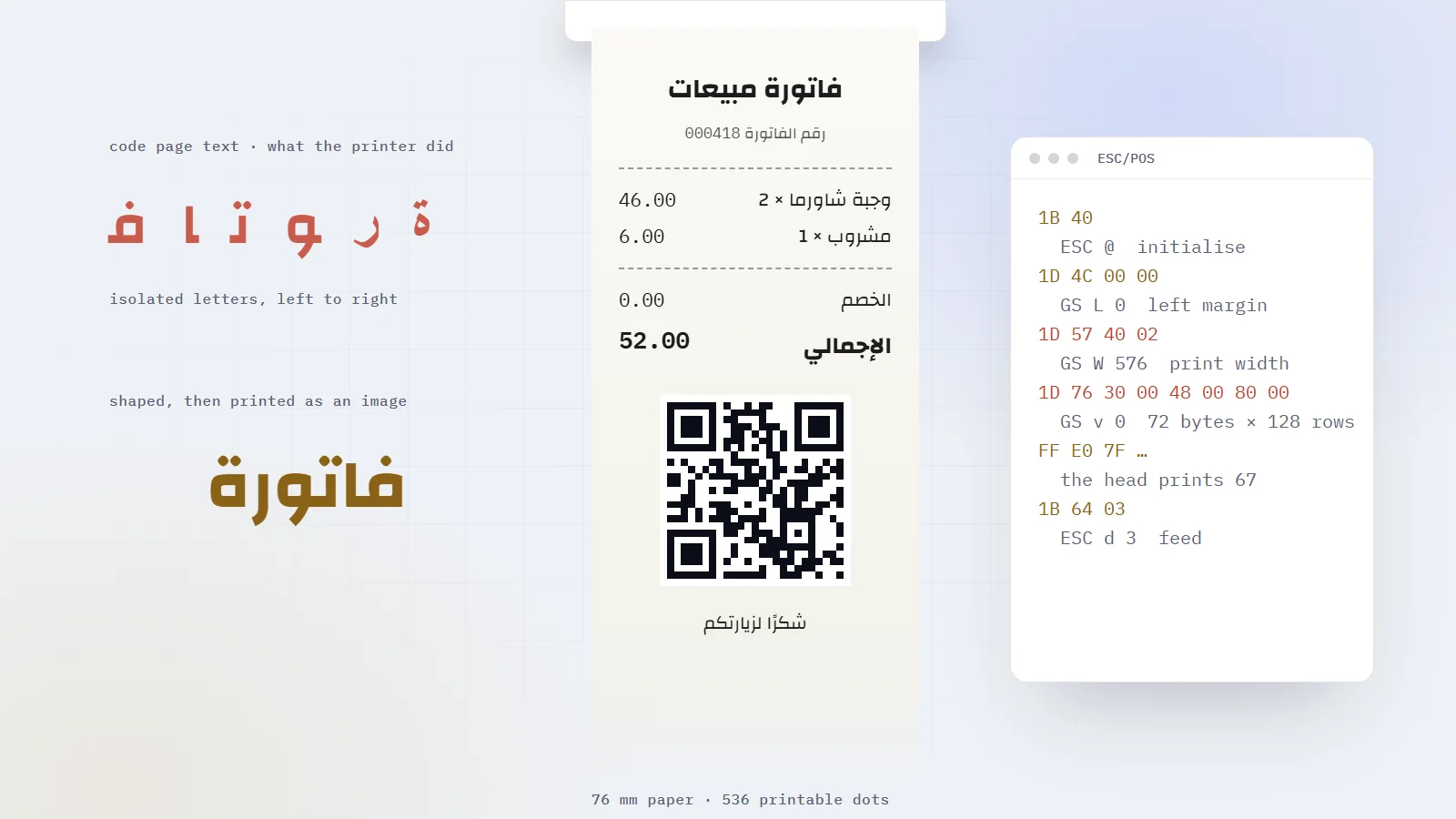
Why ESC/POS printers mangle Arabic, how to print it as a 1-bit image at the head's exact width, and the geometry bug that turned a 12 cm receipt into a roll on the floor.
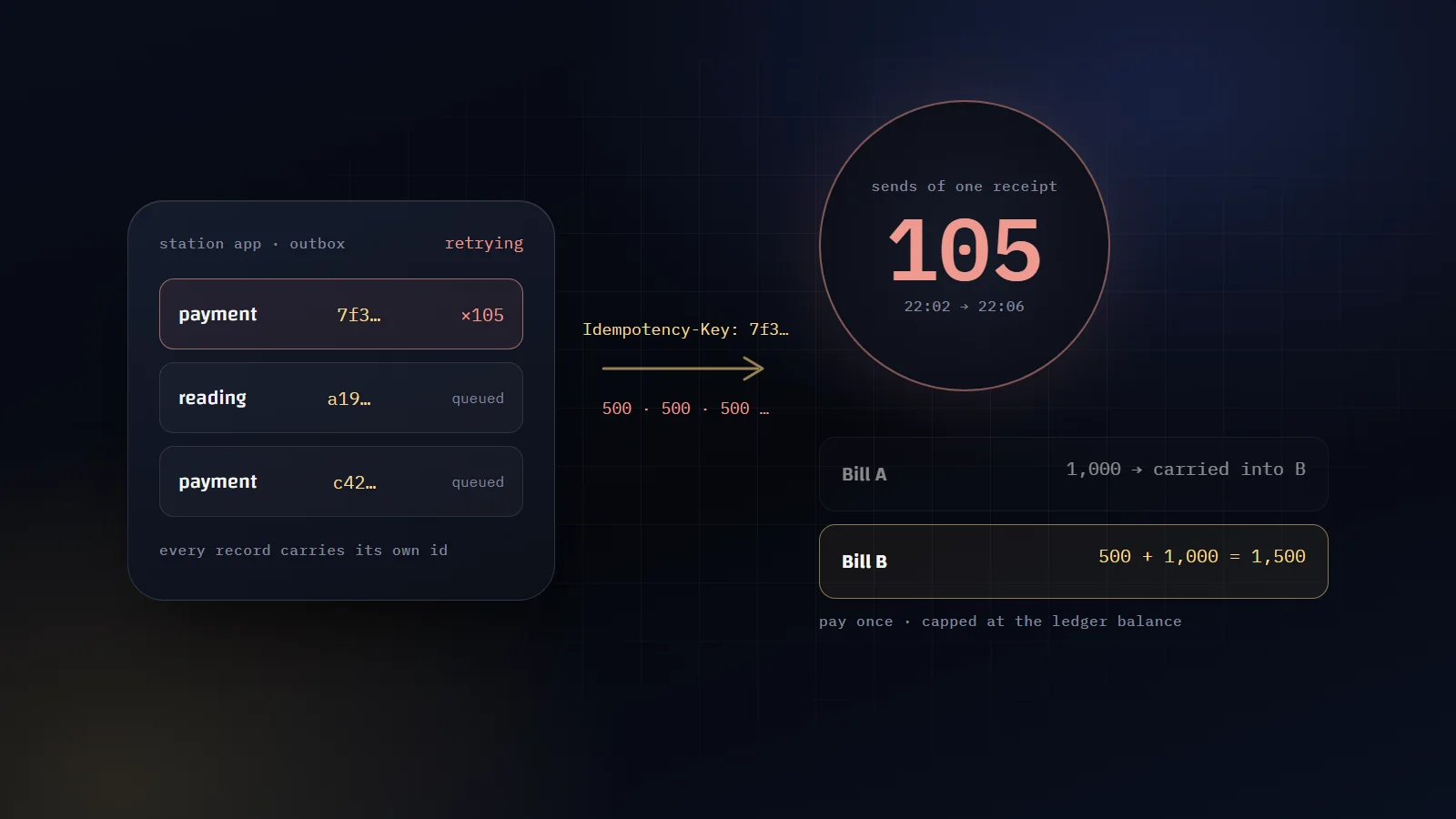
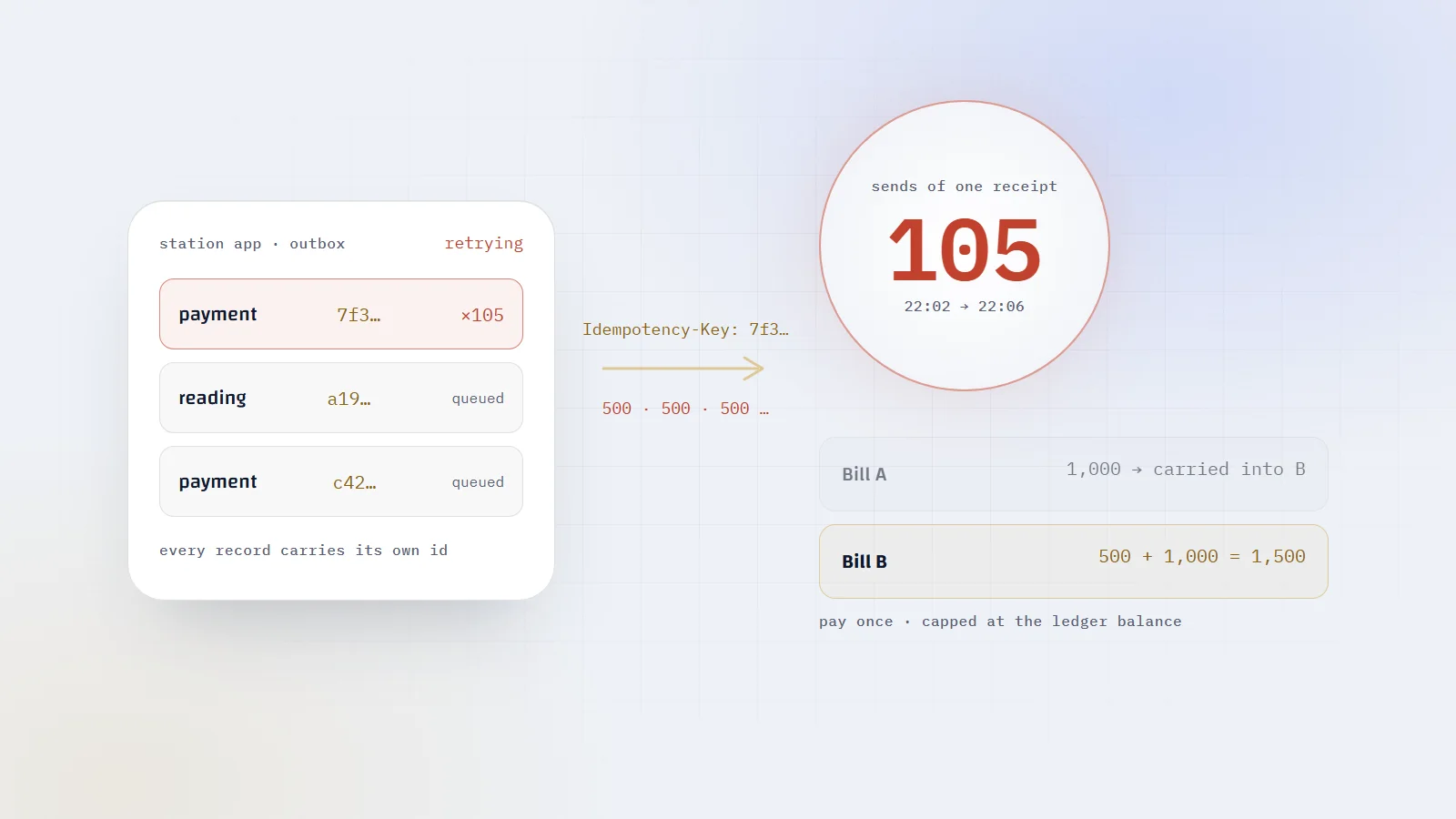
Offline-first billing for electricity stations: one id from the phone to the receipt, why bill totals must never be added, an outbox that knows what to retry, and the 500 that looped.
The archive was 9.4 MB with 413 entries, and ./index.html sat on line 260 of its listing. My deploy script read it and printed:
text
!! /tmp/moghalis-site.tar.gz has no index.html: not a site build.
The script was wrong. The guard I wrote to stop broken uploads had just stopped a good one, and it would have stopped every real build after it.
I caught it in a throwaway container while testing my deploy kit end to end, before writing this. It was one of eight traps I found that way. Each one is invisible until you test for it.
By the end you will have the whole kit: two scripts, a Caddyfile, a compose file, the reason for every line, and a checklist. It publishes a static site to a small VPS in one atomic step and brings the previous version back in 9 milliseconds.
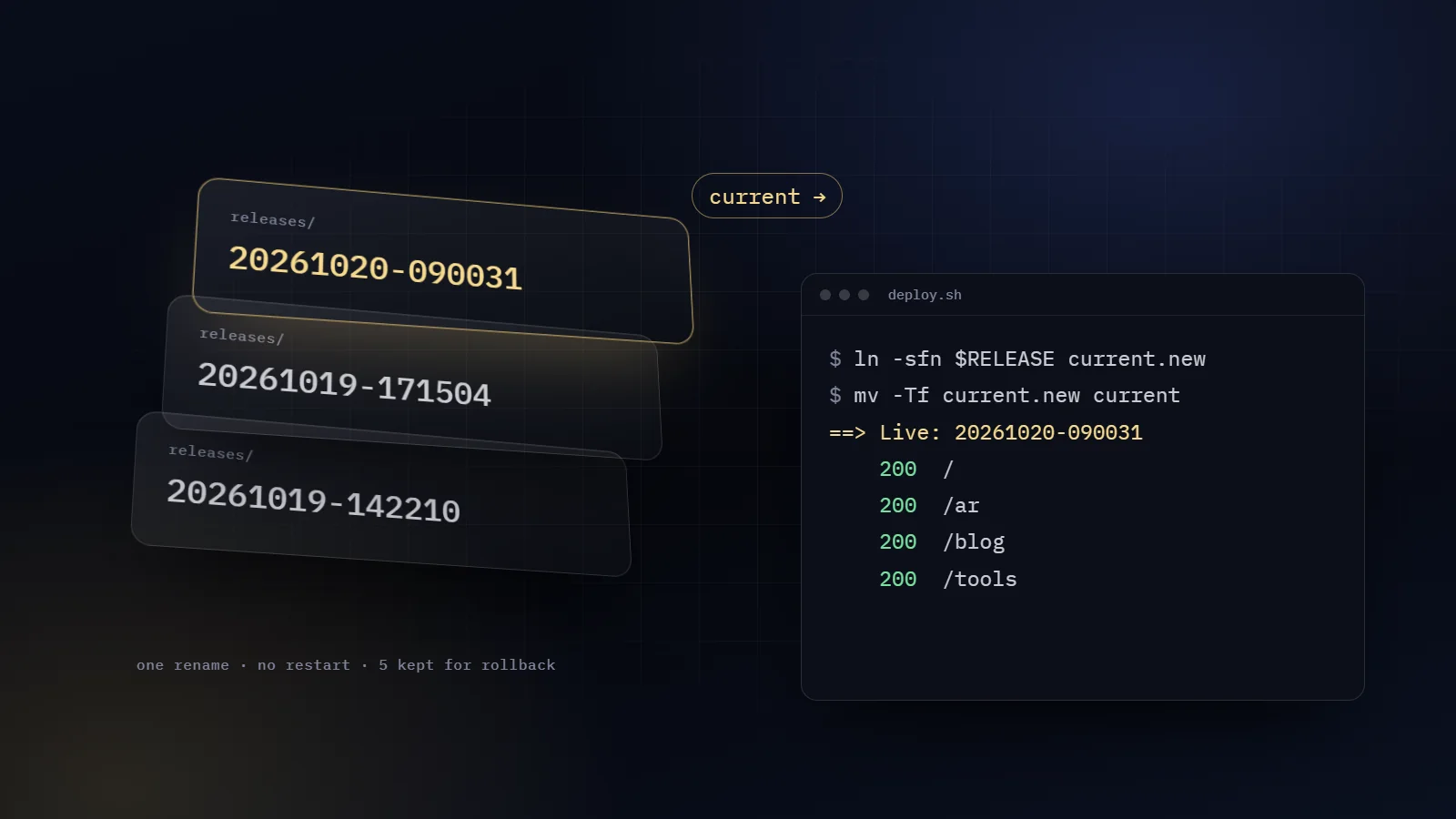
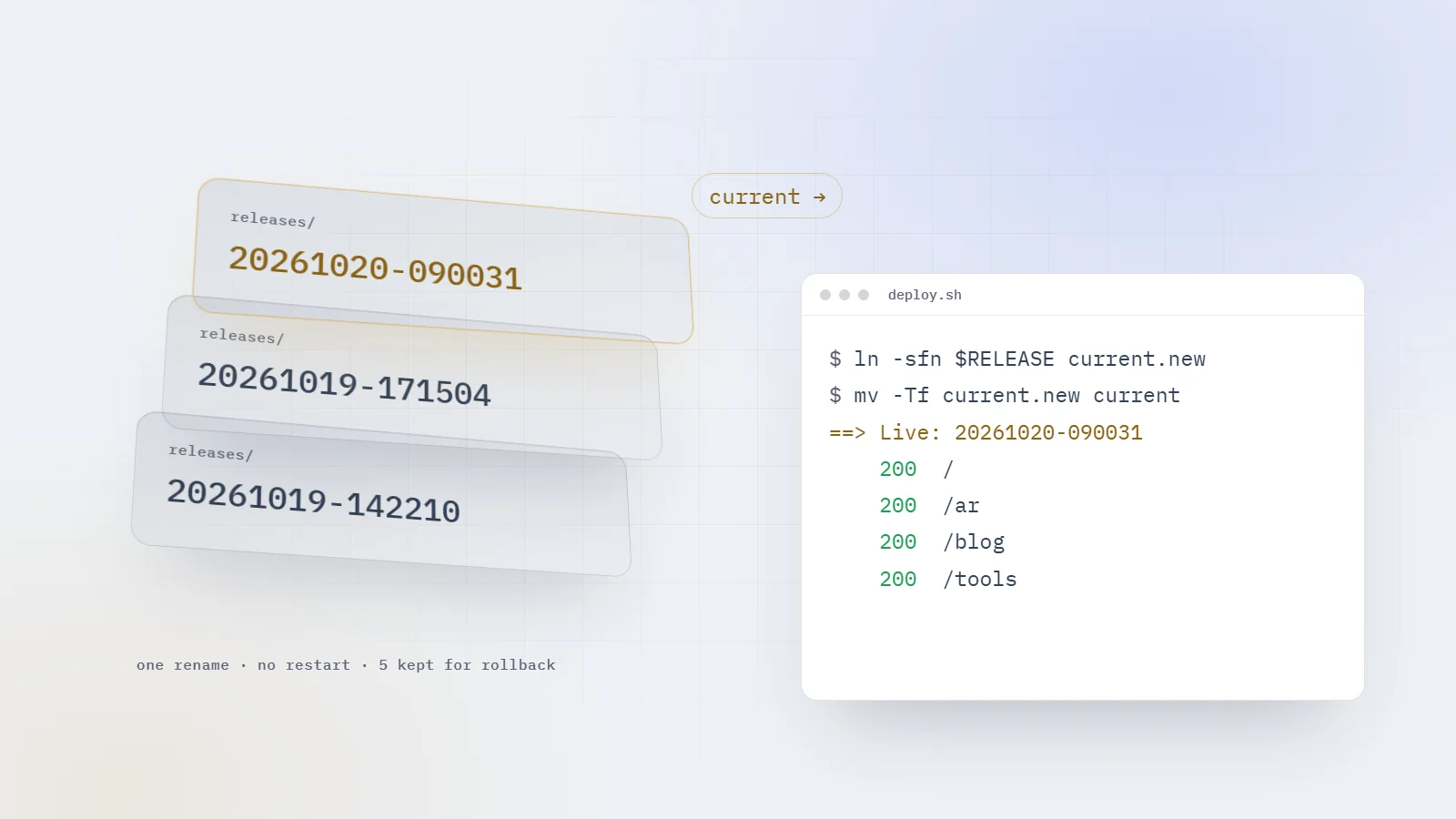
Every release is unpacked into a fresh folder named after the moment it was published. Caddy serves current and nothing else. Publishing points current at a new folder. Rolling back points it at an older one.
Nothing is overwritten in place, so the folder Caddy reads is never half old and half new. Notice that the link is absolute. That detail decides how the container must be mounted, further down.
Packtar the build with paths that start with ./
Uploadscp the archive to /tmp on the server
Checknot empty, has ./index.html, read to the end
Unpackinto a new releases/<timestamp>/ folder
Switchrename current.new over current
Verifyask this server for every key page
One publish, from my laptop to live
From my machine, after the build, it is three commands:
bash
tar -czf deploy/out/moghalis-site.tar.gz -C dist .scp deploy/out/moghalis-site.tar.gz moghalis@your-vps:/tmp/ssh moghalis@your-vps /srv/moghalis/stack/deploy.sh
The -C dist . matters: it stores every path as ./index.html, ./assets/…, the exact string the guard searches for.
GNU ln creates a temporary link and renames it over the old one. BusyBox, the ln inside Alpine-based images, deletes the old link and then creates the new one. Between those two calls, current does not exist.
GNU coreutils 9.1BusyBox on Alpine
creates the link under a random namedeletes current
renames it over current in one callcreates current again
current always existsa gap between two system calls
The same command, traced on two systems
How often does a request land in that gap? I switched releases 10,000 times while a loop read current/index.html as fast as it could, three times over.
ln -sfn on BusyBox, run 1357
ln -sfn on BusyBox, run 2269
ln -sfn on BusyBox, run 3260
ln to a temp name, then mv -T0
Reads that found no current, per 10,000 switches
The rename version made 60,488 reads across its three runs, and none failed. A real deploy switches once, so the gap is tiny. Tiny is still above zero, and the fix is one extra line.
So my script never trusts ln to be atomic. It makes the link under a temporary name and renames it itself, since rename() replaces a name in one step on Linux:
Caddy needs no restart. The kernel resolves the link on every file open, so the next request is served from the new folder. In my test the switch took 5 ms, and the container's restart count stayed at zero.
Back to the opening. Before touching anything, deploy.sh checks its input:
bash
set -euo pipefail[ -s "$ARCHIVE" ] || { echo "!! $ARCHIVE is missing or empty: upload it first (scp)."; exit 1; }tar -tzf "$ARCHIVE" | grep -qx './index.html' || { echo "!! $ARCHIVE has no index.html: not a site build."; exit 1; }
It reads well. Now feed it a 413-entry archive.
grep -q stops at the first match. It finds ./index.html on line 260 and exits. tar is still listing, so its next write goes to a pipe with no reader. The kernel sends it SIGPIPE, and it dies with status 141. Under pipefail that one failure fails the whole pipeline, so the guard reports a missing file that is right there.
A tiny test archive passes, because its whole listing goes out in one write and tar is done before grep quits. My older 156-entry build fails it too. That is how a guard like this survives a quick test and blocks the real build.
The fix is one deleted letter. Without -q, grep reads to the end, tar finishes normally, and pipefail goes back to its real job:
bash
tar -tzf "$ARCHIVE" | grep -x './index.html' >/dev/null || { echo "!! $ARCHIVE has no index.html: not a site build."; exit 1; }
I ran both versions against five archives:
Archive
With grep -q
Without -q
Today's build, 413 entries
refused
accepted
The same build cut off at 4 MB, like a dropped upload
refused
refused
An empty file
refused
refused
Only the assets/ folder
refused
refused
Packed from the wrong folder, as dist/index.html
refused
refused
The broken guard passed every test I would have thought to write, because every one of them fed it bad input. A guard that refuses everything looks perfect until you hand it something good.
The cut-off archive is the case pipefail exists for. tar -tzf reads to the end, so a truncated upload makes it fail, and the deploy stops before a single file is unpacked.
Once the switch is done, the script tidies up. That tidy-up line can delete the release it just put live.
The folder you just created should be the newest. By mtime, it is not necessarily. The archive carries an entry for ./ itself, and tar restores that entry's timestamp onto the release folder. So a folder's mtime is the moment I ran the build on my laptop, whenever it was deployed.
Now redeploy an older archive, say last week's build, because you want it back and it has already left the five. Its new folder looks like the oldest on disk, tail -n +6 picks it, and the script deletes the release it put live a moment earlier.
I reproduced it: five releases built on 10 to 14 October, then a build from 1 October. Afterwards current pointed at a folder that no longer existed, and Caddy answered every URL with a 404 and an empty body.
The folder name already is the deploy time, written by date +%Y%m%d-%H%M%S, and it sorts correctly as plain text:
--resolve sends the request to this machine while still saying moghalis.com in the TLS handshake and the Host header. DNS, the resolver cache on my laptop and everything in between drop out of the path.
So a 200 proves four things at once: Caddy is up, the certificate is valid for the name (there is no -k), the right site block answered, and the file exists in the release that is now live.
On a brand-new server, before DNS points at it, Caddy has no certificate yet and every line reads 000. After the first certificate, every line should read 200. The || true keeps set -e from killing the report at the first failed request.
The check runs after the switch, because Caddy only ever serves current. It is a report, and I read it. If any line is red, the next command is rollback.sh.
#!/usr/bin/env bash# Put the previous release back live (one step, no restart).set -euo pipefailROOT=/srv/moghalisCURRENT=$(readlink -f "$ROOT/current")PREVIOUS=$(ls -1dr "$ROOT"/releases/*/ | sed 's:/$::' | grep -vx "$CURRENT" | head -n 1 || true)[ -n "$PREVIOUS" ] || { echo "!! No earlier release to go back to."; exit 1; }ln -sfn "$PREVIOUS" "$ROOT/current.new"mv -Tf "$ROOT/current.new" "$ROOT/current"echo "==> Rolled back to $PREVIOUS (was $CURRENT)"
It picks the newest release that is not live and switches to it. The whole script ran in 9 ms in my test. The SSH login takes longer than the rollback.
Then the surprise. Run it twice and you are back where you started. After the first run, the newest release that is not live is the one you just left, so the second run rolls forward. With releases A, B and a broken C, it toggles between C and B and never reaches A.
The same rule bites later. Roll back from C to B, deploy a fix as D, and if D needs rolling back, the newest release that is not live is C, the broken one. So after a rollback, delete the folder you rolled back from. To go further back on purpose, name the folder:
Writing to the container's own filesystem: touch /etc/x fails with Read-only file system
:ro on /srv/moghalis
Changing a release, even for Caddy
cap_drop: [ALL]
Every Linux capability. It still runs as root inside, a root that cannot even bypass file permissions
cap_add: [NET_BIND_SERVICE]
Gives back one thing: listening on 80 and 443
no-new-privileges
Gaining privileges through a setuid binary
mem_limit: 128m
A runaway taking the VPS down. Caddy idled at 13 MB in my tests
log options
Logs filling the disk: three files of 10 MB at most
Caddy writes only to caddy_data, where it keeps the certificates it obtains and renews itself. The UDP port on 443 is for HTTP/3. Before the first docker compose up -d, validate the config in the same image:
Two details in the volumes carry the whole design. The first: it mounts all of /srv/moghalis. A bind mount resolves a symlink once, when the container starts, and then holds on to that directory. I tested it: after a switch, the host saw release B and the bind mount still showed A. Mount only current and every deploy reports success while the container serves the release it booted with.
The second: the folder sits at the same path inside the container. The link is absolute, so /srv/moghalis/releases/… has to exist in there too. Mount it at /site instead and current points at nothing.
The server itself is set up once by bootstrap.sh: a firewall open only to SSH, 80 and 443, fail2ban, automatic security updates, Docker from its own repository, and 2 GB of swap. It turns off password login only once the new user has an SSH key, so it cannot lock me out.
The Caddyfile is short. Two of its lines were wrong in my earlier config, and a browser could not show me either one.
Every URL returned the home page. The config came from the single-page-app days:
caddy
try_files {path} /index.html
Anything that is not a file gets the app's one HTML file. Then I started prerendering every page into <path>/index.html, 94 of them, and that line would have answered all of them with the home page.
I ran it against a release tree. /ar, /work/saima and a made-up /no-such-page all came back as the home page, each with 200 OK. In a browser, the app would draw the right page as soon as its JavaScript ran, so clicking around would look fine. A search engine, a link preview or anyone without JavaScript would get 94 copies of the home page, and every mistyped address would become a soft 404.
A cache rule matched pages. Case-study screenshots sit in the same folder as their page: /work/saima/index.html next to /work/saima/01-voice-studio.webp. A week-long rule on /work/*, meant for the images, caught the page as well.
With atomic releases, that is worse than stale. Each release folder holds only its own hashed CSS and JavaScript. A browser holding a week-old page asks for files the live release no longer has, and I checked: they return 404. At best the visitor sees last week's page. At worst their cache kept the HTML and dropped the files it names, and the page loads with no styles at all.
The rules now go by file type. Anything that is neither a hashed asset nor an image is a page:
What the fixed config answers, probed in the same locked-down container:
Request
Status
Cache-Control
/work/saima
200
no-cache
/work/saima/01-voice-studio.webp
200
public, max-age=604800
/assets/index-….js
200
public, max-age=31536000, immutable
/no-such-page
404, with the body of 404.html
no-cache
no-cache still caches. The browser keeps the page and asks the server whether it changed, so each visit costs one quick revalidation and a release shows up the moment it is live.
Both mistakes looked fine in a browser. I found them by reading status codes and headers, and this loop is the whole audit:
bash
for p in / /work/saima /work/saima/01-voice-studio.webp /no-such-page; do curl -s -o /dev/null -w "%{http_code} %header{cache-control} $p\n" "https://moghalis.com$p"done
%header{} needs curl 7.84 or newer. Ubuntu 24.04 ships 8.5.
#!/usr/bin/env bash# Publish a new release from /tmp/moghalis-site.tar.gz.set -euo pipefailARCHIVE=${1:-/tmp/moghalis-site.tar.gz}ROOT=/srv/moghalisRELEASE=$ROOT/releases/$(date +%Y%m%d-%H%M%S)[ -s "$ARCHIVE" ] || { echo "!! $ARCHIVE is missing or empty: upload it first (scp)."; exit 1; }tar -tzf "$ARCHIVE" | grep -x './index.html' >/dev/null || { echo "!! $ARCHIVE has no index.html: not a site build."; exit 1; }mkdir -p "$RELEASE"tar -xzf "$ARCHIVE" -C "$RELEASE"ln -sfn "$RELEASE" "$ROOT/current.new"mv -Tf "$ROOT/current.new" "$ROOT/current"echo "==> Live: $RELEASE"# Keep the five newest releases, by name: the name is the deploy time.ls -1dr "$ROOT"/releases/*/ | tail -n +6 | xargs -r rm -rf# Ask this server for the routes, whatever DNS says.for path in / /ar /work /skills /resume /blog /ar/blog /tools /tools/saudi-validators /blog/rss.xml /work/saima /og-image.jpg; do code=$(curl -s -o /dev/null -w '%{http_code}' --resolve moghalis.com:443:127.0.0.1 "https://moghalis.com$path" || true) echo " $code $path"done
The Caddyfile, minus one block for my private proposal pages:
caddy validate in the same image says Valid configuration
A typo taking the site down
First setup
The whole root is mounted read-only, at the same path
A container pinned to one release
Both scripts
The switch is ln to a temp name, then mv -T
The BusyBox gap, a link moved into the live release
Both scripts
Releases are sorted by name
Deleting the release you just put live
Once
The guard accepts a real build and refuses empty, cut-off and wrong-folder archives
A guard that refuses everything
Every deploy
Every route returns 200 and a made-up path returns 404
The home page served for every URL
Every deploy
Pages are no-cache, /assets/ a year, images a week
A page cached for a week
After a rollback
Delete the release you rolled back from
Rolling back into the broken one later
That is the whole system: a folder per release, one rename, and a box that can only read. It needs one small VPS and no build step on the server, and a bad release is 9 ms from gone. Most of its lines exist to stop a mistake that a browser would never have shown me.
If you would rather have someone set this up and keep watch over it, that is hosting and support.


Comments
Join the conversation
Sign in with Google to like articles and comment. It takes one tap.