Learning & careersNo. 12
How to learn programming in year one: a map without the noise
One language, one kind of product, a real user by month three. What to skip, the four basics every path shares, and where Flutter, Next.js, NestJS and .NET lead.


In this article
My skills page lists 124 skills. Each one is counted from the code of the twenty products I have built since March 2026, and each one links to the projects that use it.
If you are learning to program, that page is the wrong map. It shows where a path can end up, not where it starts. Read it on your first day and it looks like a wall.
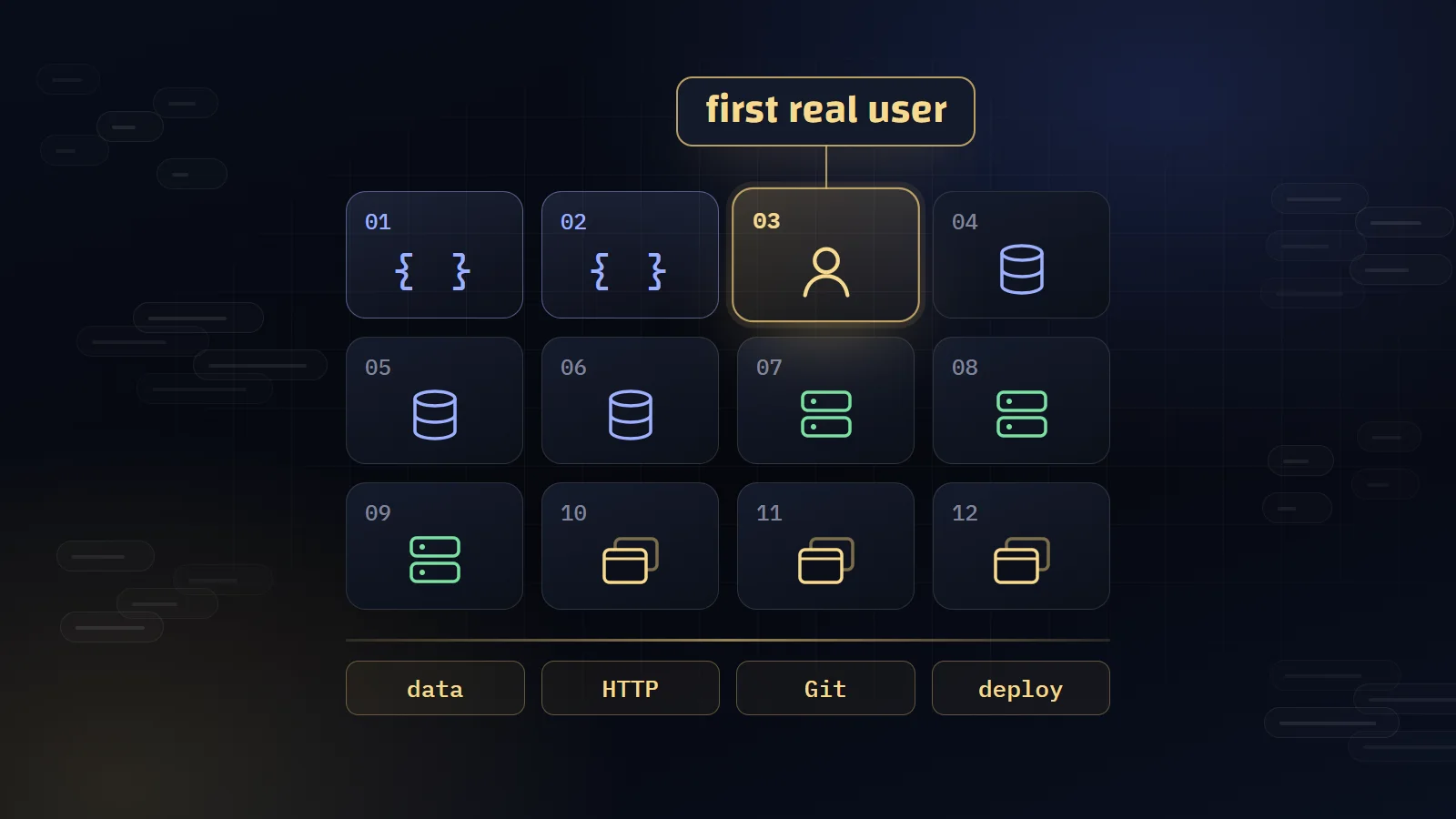
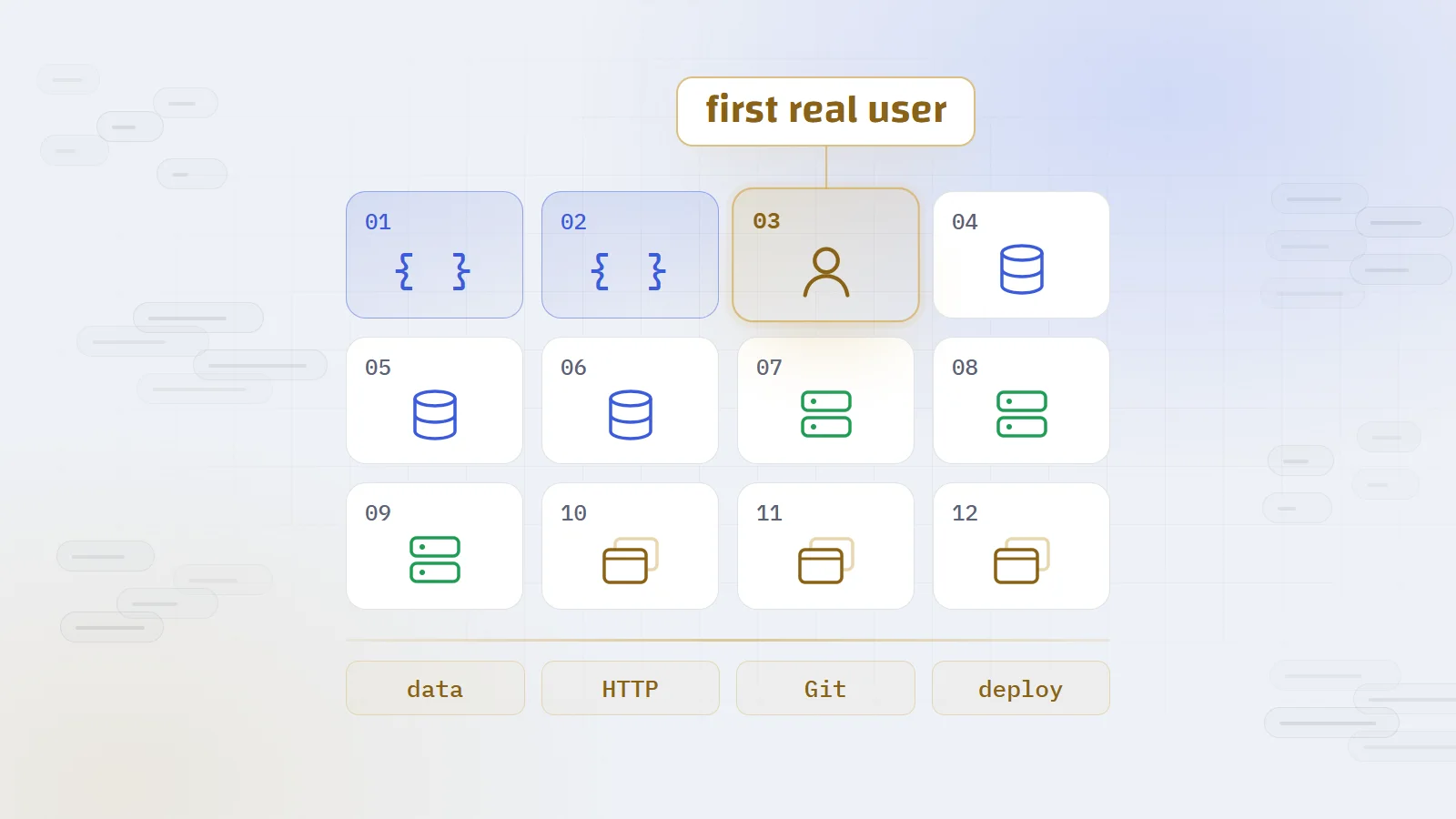
Take the logos away, though, and almost every one of those products stands on the same four things: data kept in tables, requests and answers over HTTP, a history kept in Git, and a server where the product runs. The language on top changes from product to product. The four underneath never do.
This is the map I would hand someone starting today. By the end you will know how to choose one language and why one is enough for a year, what to skip, how to practise, the four basics every path shares, what a real first user looks like, and where each path leads, using the stacks I ship in production.
In short
- Choose the kind of product first. The language follows from it, and one language is enough for the whole first year.
- Learn the four basics every path shares: data, HTTP, Git and deployment. They outlast every framework.
- Put something small in front of a real user by month three. Real does not mean big.
Choose the product first, and the language follows
"Which language should I learn?" has no answer on its own. "What do I want to build?" does, and the answer narrows the choice to one or two.
| If you want to build | Start with | Where it led in my work |
|---|---|---|
| Apps for phones | Dart and Flutter | FinyxWatt's four apps, including a station app that keeps working without a connection |
| Websites and web apps | TypeScript, React and Next.js | The FinyX ERP web store, the Bin Masoud storefront and its admin |
| APIs, the server side of an app | TypeScript and NestJS, or C# and ASP.NET Core | FinyxWatt's API on NestJS, and about 326 API actions in a network operations platform I built on ASP.NET Core |
| Software for Windows | C# and .NET | FinyX-ERP, shipped as a signed installer |
An API (application programming interface) is the part of a system that answers apps over the network: the phone asks for a customer's bills, the API checks who is asking and sends them.
If nothing pulls you toward phones or Windows yet, start with the web. You can show a website to anyone with a link, and TypeScript, the language that carries it, runs in the browser and on the server.
One language is enough for a whole year
Every switch costs you the weeks you spent learning where things live: how the language handles text, lists, errors and files. The ideas underneath carry over. The fluency does not. A year in one language makes you fluent; four months each in three makes you a beginner three times.
TypeScript runs through most of my work, and the rest is spread thin:
SQL sits second for a reason. It is the language of the database, and every path needs it sooner or later. Learn it alongside your main language, not instead of it.
The four basics every path shares
Frameworks come and go. These four stay, whichever path you take.
- Deploymenta server and an address where someone else can use it
- Gitevery version of your code, and the way back to one that worked
- HTTPa request, an answer, and a status code that says what happened
- Datatables, rows, and the key that tells two rows apart
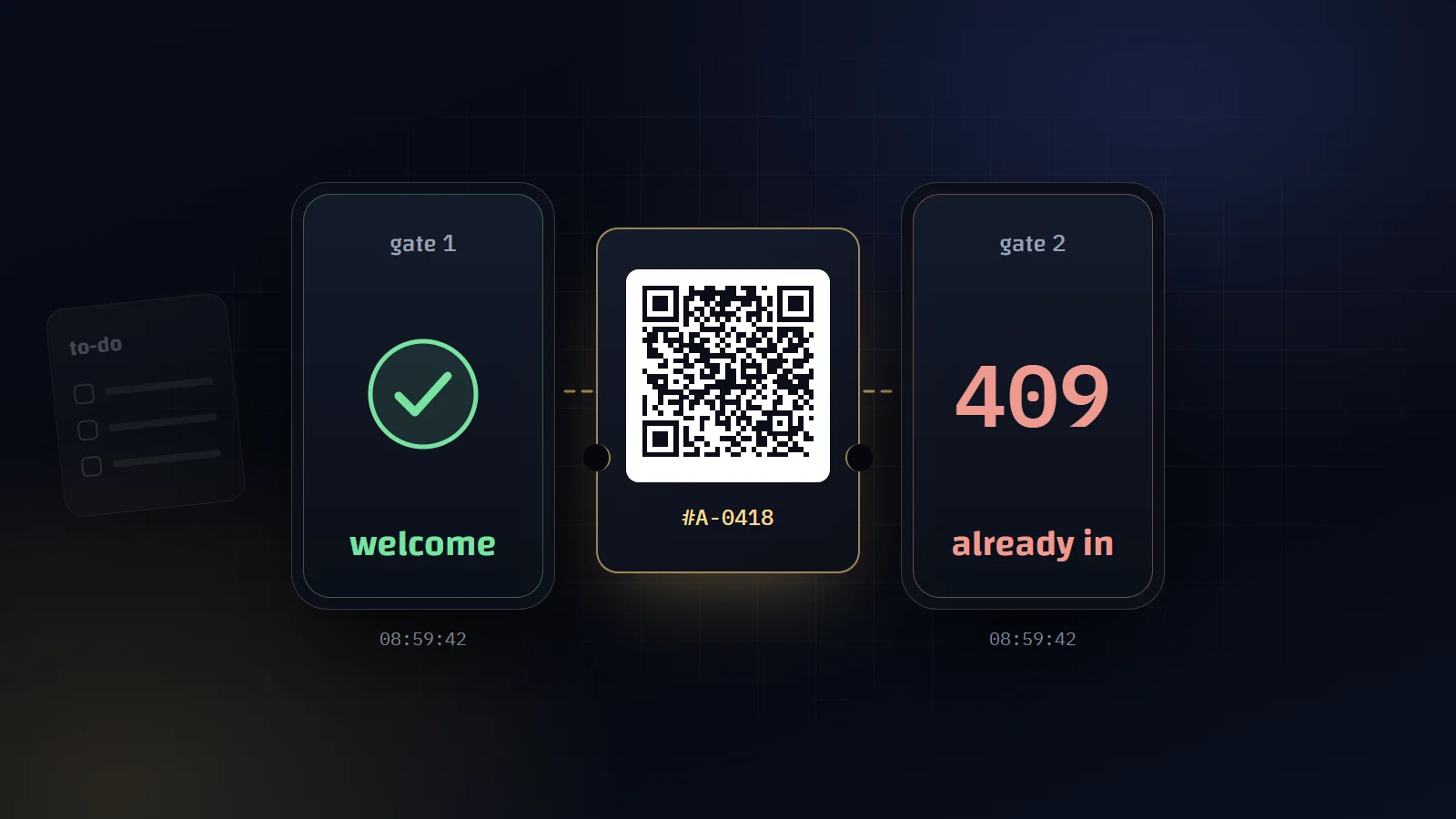
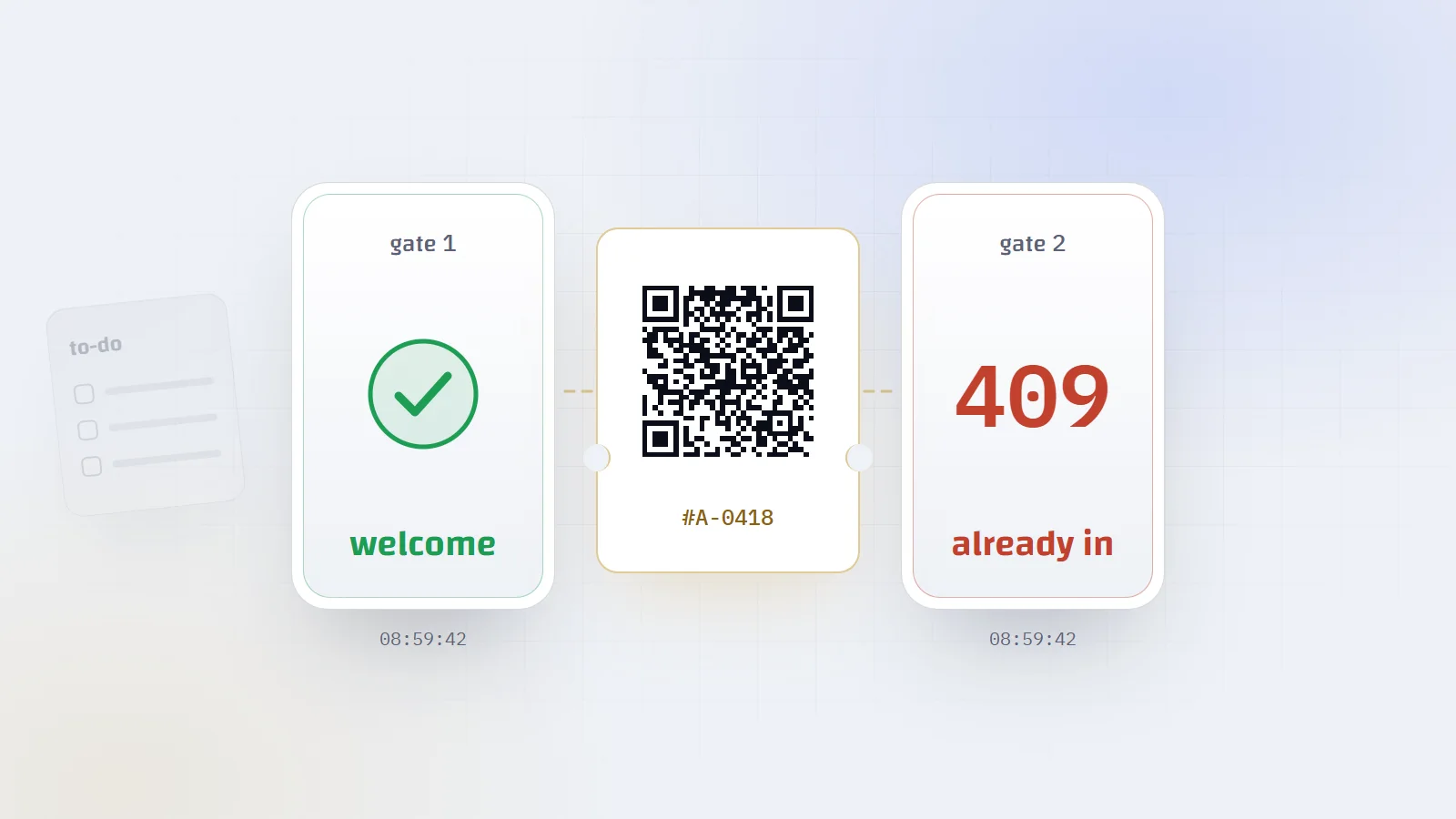
Data. A table is a sheet with fixed columns, and a key is the column that tells two rows apart. The event platform I built for a college event's registration and gates keeps everything in seven tables: users, registrations, check-in logs and four more. Learn to design a small table, query it, and change it without losing rows.
HTTP. Almost every product I have built talks HTTP. The app sends a request, the server sends an answer, and a three-digit status code says what happened: 200 for success, 404 for not found, 409 for a conflict, 500 for a server error. Those codes are instructions, not decoration. In one of my systems a refusal was answered with a 500, the phones read it as "try again", and one receipt arrived 105 times. I wrote that night up in why idempotency keys didn't stop 105 resends.
Git. Git records every version of your code. Use it from your first week, even alone, even for exercises. The day something that worked stops working, Git shows you exactly what changed since.
Deployment. Code that runs only on your laptop helps nobody. Learn early, while the project is small, to put it on a server with a real address. It is the step that turns an exercise into a product, and beginners leave it for last.
What to skip in the first year
Skipping is a skill. These can all wait:
- A second language before you have finished one real thing in the first.
- Comparing frameworks. Pick the common one for your path and build. Two of my live sites, the Rsad Aljazeera site and the Kaizen campaign site, use no framework at all.
- Architecture for millions of users. Microservices, Kubernetes and message brokers solve problems you do not have yet.
- One more course. Finishing a course proves you can follow. Finishing a product proves you can decide.
- Memorising syntax. You will look things up for the rest of your career. So do I.
Tip
When a new tool tempts you, write its name on a "later" list and keep building. Most of that list will look different in six months, and none of it will have cost you a week.
Practise by building, a little every day
Watching someone code feels like learning. Typing, failing and fixing is learning. A few habits make the difference:
- Type the code. Do not paste it. Your fingers learn the shapes, and your mistakes teach you the rules.
- Read the whole error message, then search for its exact words. The answer is usually in the last line you skipped.
- Predict, then run. Before you run a change, say what you expect to happen. When you are wrong, you have found the gap in what you know.
- Rebuild without the tutorial. Build the same small thing a second time from memory. What you cannot rebuild, you did not learn.
- Keep a learning log. One line a day: what you tried, what broke, what fixed it.
AI assistants belong in that loop as a tutor. Ask one to explain a line you do not understand, to quiz you, or to review what you wrote. Do not let it write what you cannot yet read.
A real user by month three
A real user is someone other than you, using what you built for something they actually need, with their own data. That changes everything about a project: their names have Arabic letters you did not test, they press the button twice, they use a phone you have never seen.
Real does not mean big. Look at the size of some of the systems on my work page:
16
pages in the Rsad Aljazeera site, with a three-step WhatsApp quote form
3
checkout steps in the Al-Marasim ordering app
9
API routes in the event platform's registration and gates
7
database tables behind those gates
None of them is large. Each one had a real business on the other side. Your first one can be smaller still: a booking list for a barber, a stock sheet for a shop, a sign-up page for a mosque class. What matters is that a person you can talk to uses it.
- Months 1 to 2the language, small programs, Git from the first week
- Month 3a small product in front of a real user
- Months 4 to 6a database, sign-in, and who may do what
- Months 7 to 9deploy it properly, add tests, fix what users report
- Months 10 to 12a second, larger project in the same stack
Where each path leads
After the first year, each path grows in its own direction. This is what each one grew into in my work, counted from my skills page:
| Path | What came next | Used in |
|---|---|---|
| Phone apps with Flutter | storage that works offline, sign-in with a fingerprint, push notifications | offline storage in 4 products |
| Web with Next.js | Arabic right-to-left layouts, forms that validate, pages search engines can read | Next.js in 12 products |
| APIs with NestJS or ASP.NET Core | sign-in tokens, background jobs, PostgreSQL, Docker | Docker in 7 products |
| Windows with .NET | desktop screens in WPF, installers and code signing, receipt printers | FinyX-ERP |
Every row ends at the same place: the four basics, done more carefully, for people who depend on them.
How long until it pays
I will not give you a number of months. Be wary of anyone who promises one.
What I can tell you is what the people who pay for software ask about. Read the questions good clients ask in how I run client projects: where the system will run, how it is tested, how backups are made, how a bad release is undone, who fixes problems after launch. None of them asks which language it is written in. They pay for a system that works and keeps working.
Twenty products since March 2026 may sound fast. I build with AI coding assistants, and I say so plainly. They speed up the typing. They do not decide which rule the data must obey, or notice that a refusal is answering 500. That judgement is the part you are building this year, and it is the part that takes time.
The first-year checklist
- Choose the kind of product you want to build, then the one language that builds it.
- Stay with that language for the whole year.
- Learn SQL alongside it.
- Use Git from the first week, on everything.
- Learn what the main HTTP status codes mean, and return the right one.
- Put something on a real server, with a real address, before month three ends.
- Find one real user, and watch them use it.
- Keep a "later" list for every new tool that tempts you.
- Write one line a day in a learning log.
- Use AI as a tutor that explains, not a typist that hides what you do not know.
One language, one kind of product, one real user. The noise will still be there next year, and by then you will know which parts of it matter.
Every skill on my skills page links to the projects that use it, if you want to see where a path leads in real code.
Share