Learning & careersNo. 15
Your first real programming project: how to choose one that teaches
Pick a project with a real user, real data and someone who may not do everything. Cut it to four weeks, deploy it in week one, and watch it used. With a week-by-week plan.


In this article
A to-do app has one user: you. Its data is whatever you typed a minute ago, and nobody in it is forbidden from anything. You can finish one in a weekend, and that is the problem. Nothing in it can surprise you.
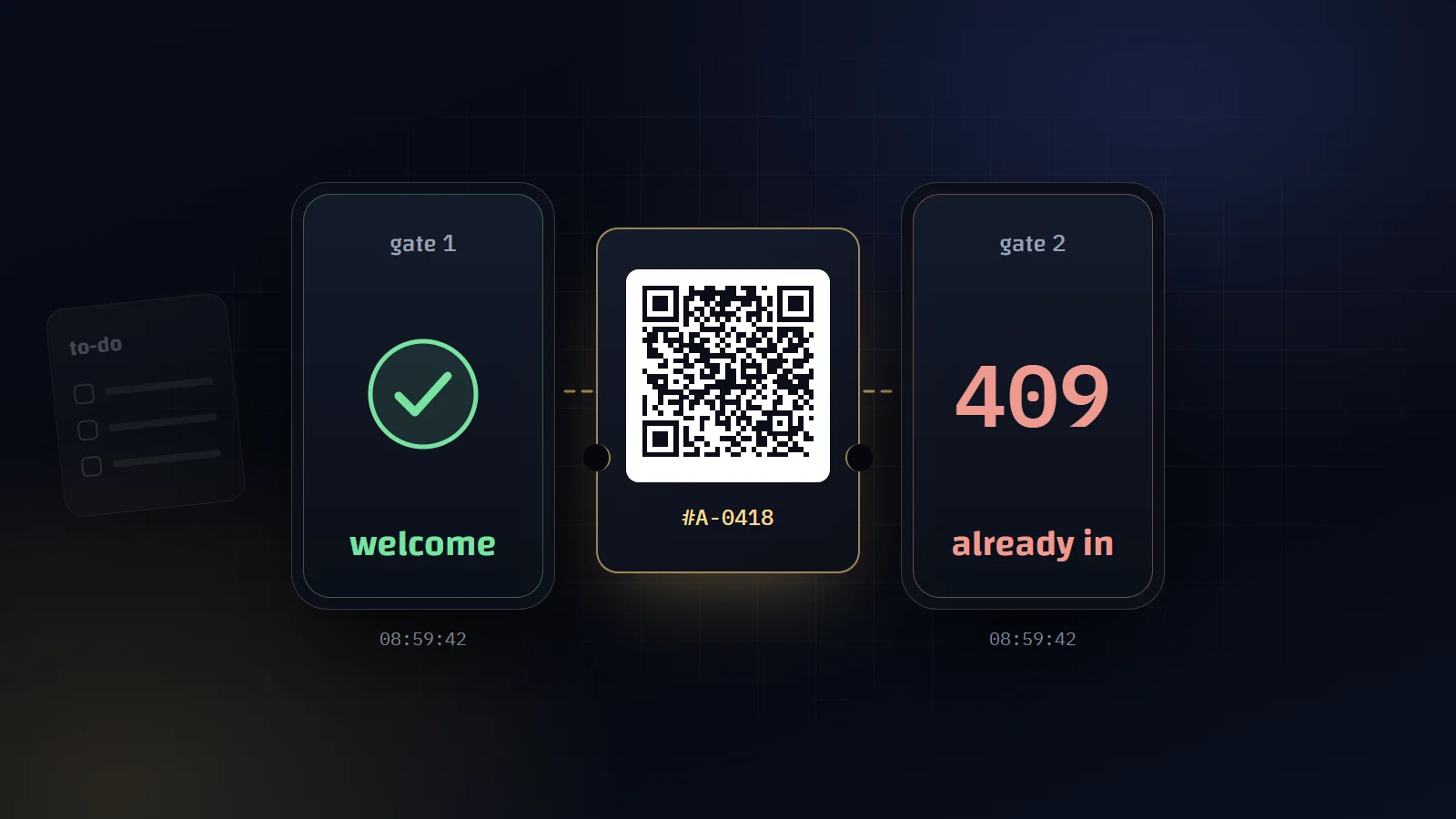
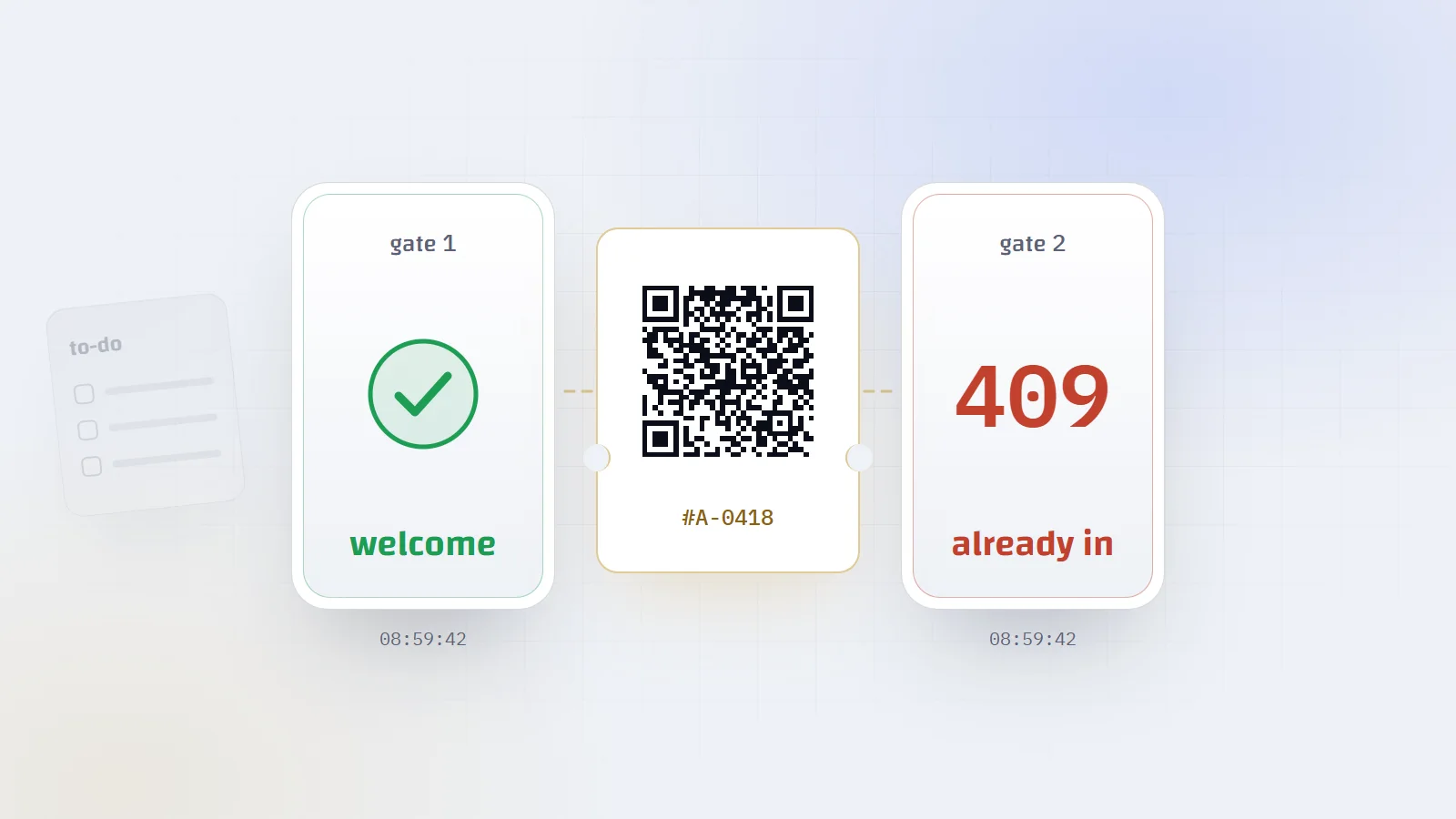
Now picture the morning of an event. Four staff phones stand at four gates. A visitor's QR ticket, forwarded to a friend, is scanned at two gates in the same second. One of them must say "welcome". The other must say "already checked in". A to-do app never asks you to make that decision, and a real project asks on day one.
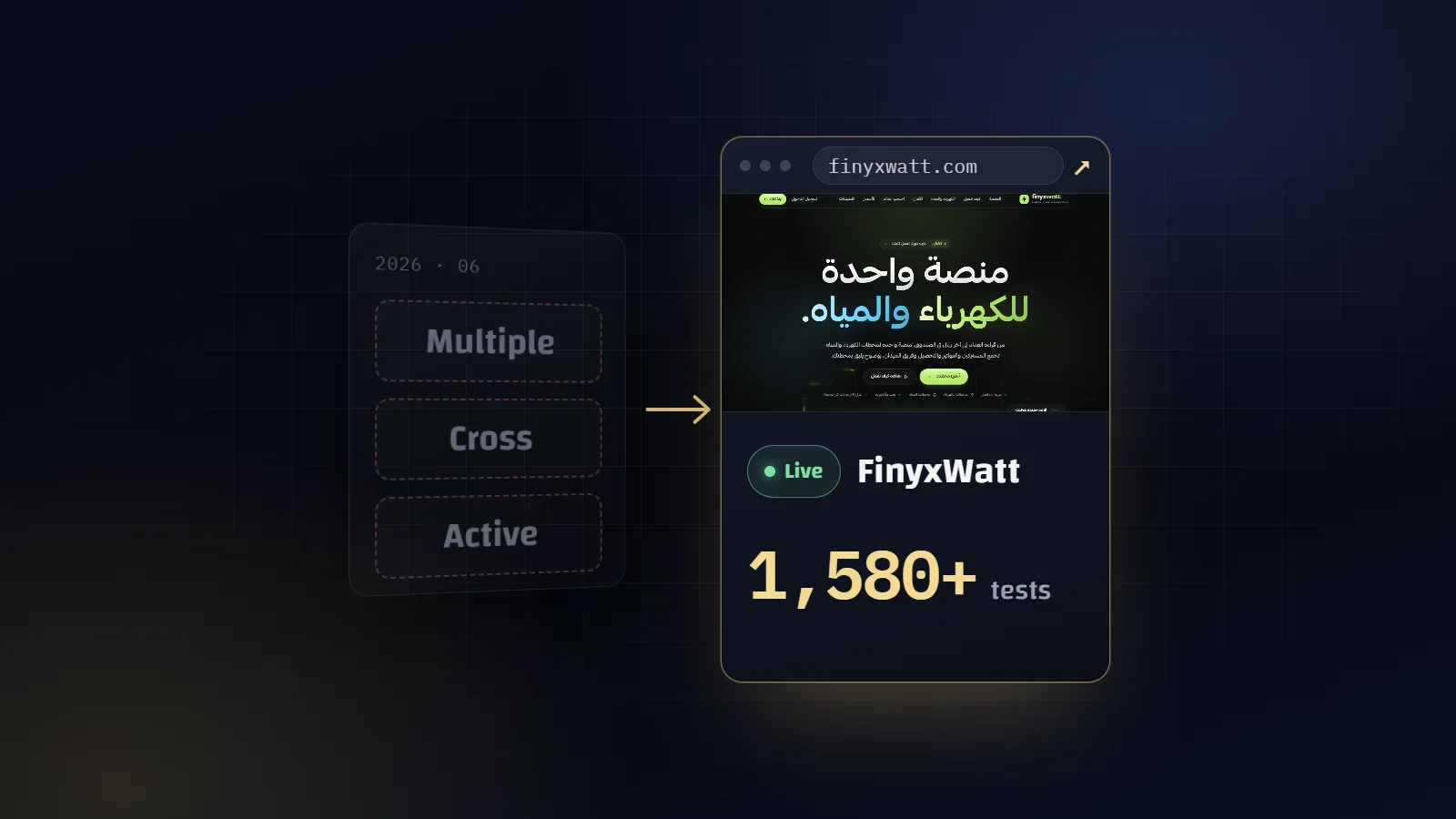
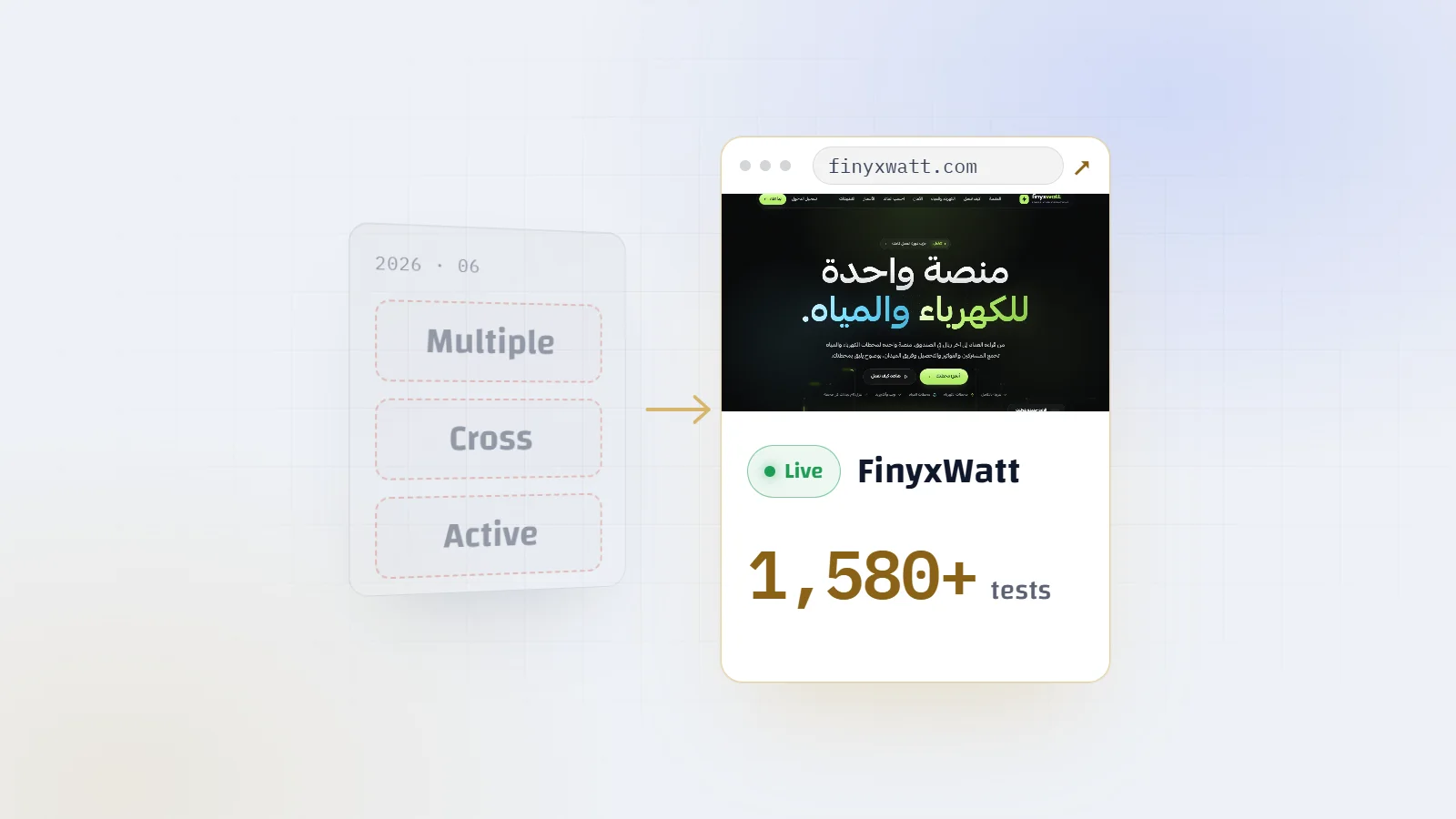
That gate is from an event platform I built for a college event's registration and check-in. An event gets one chance to work, the morning the doors open, so its design started from the gate.
This article is about choosing your first project like that one. By the end you will know what makes a project teach, three small project ideas and the lesson each one carries, how to cut your idea to four weeks, and a week-by-week plan that ends with someone using what you built. If you have not chosen a language yet, start with the first-year map.
In short
- A project teaches when it has a real user, real data, and people who may and may not do certain things.
- Cut it to what you can build in four weeks, and put it on a real server in the first week.
- Watching one person use it will teach you more than any feature you add.
Three things an exercise never has
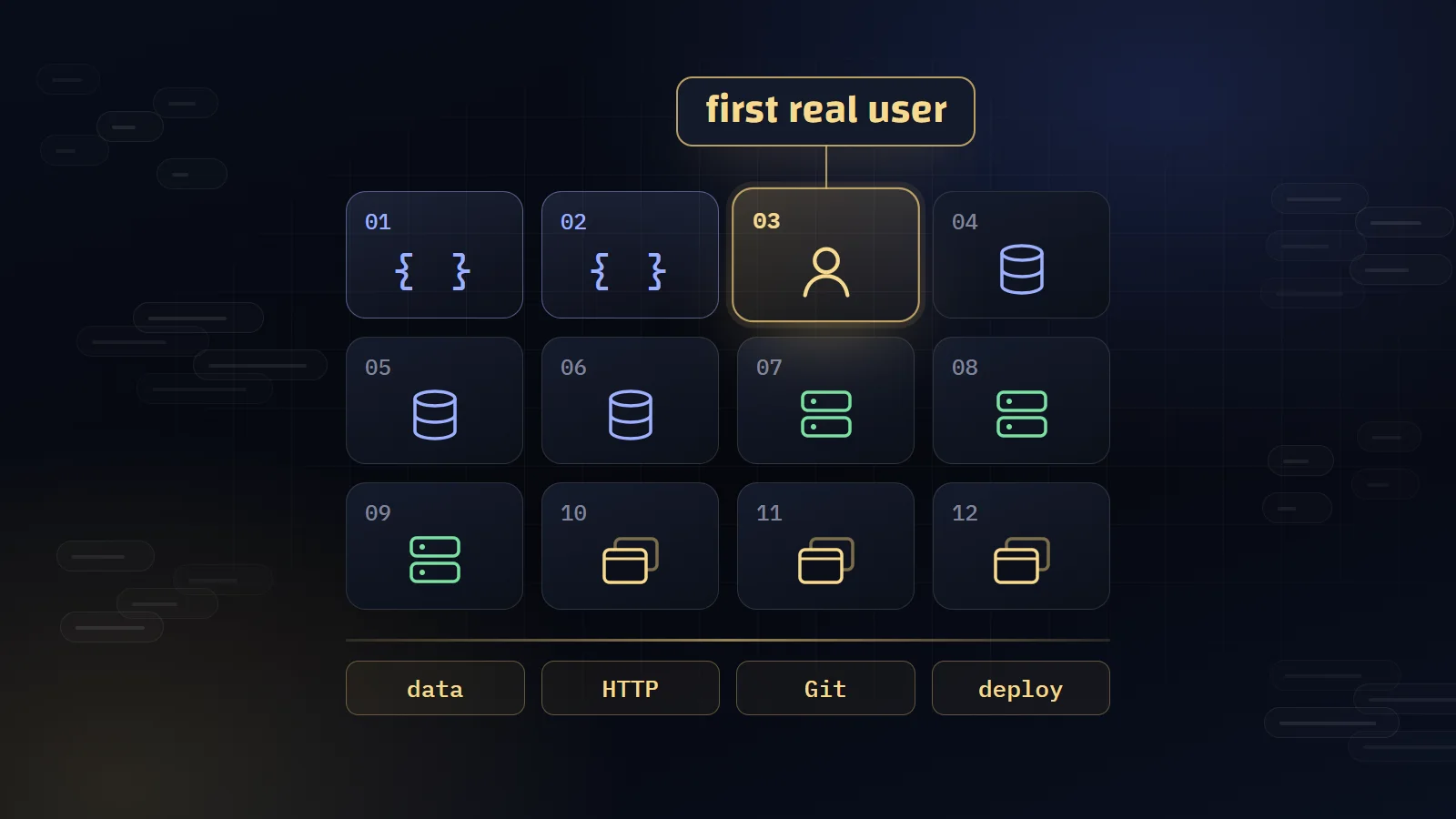
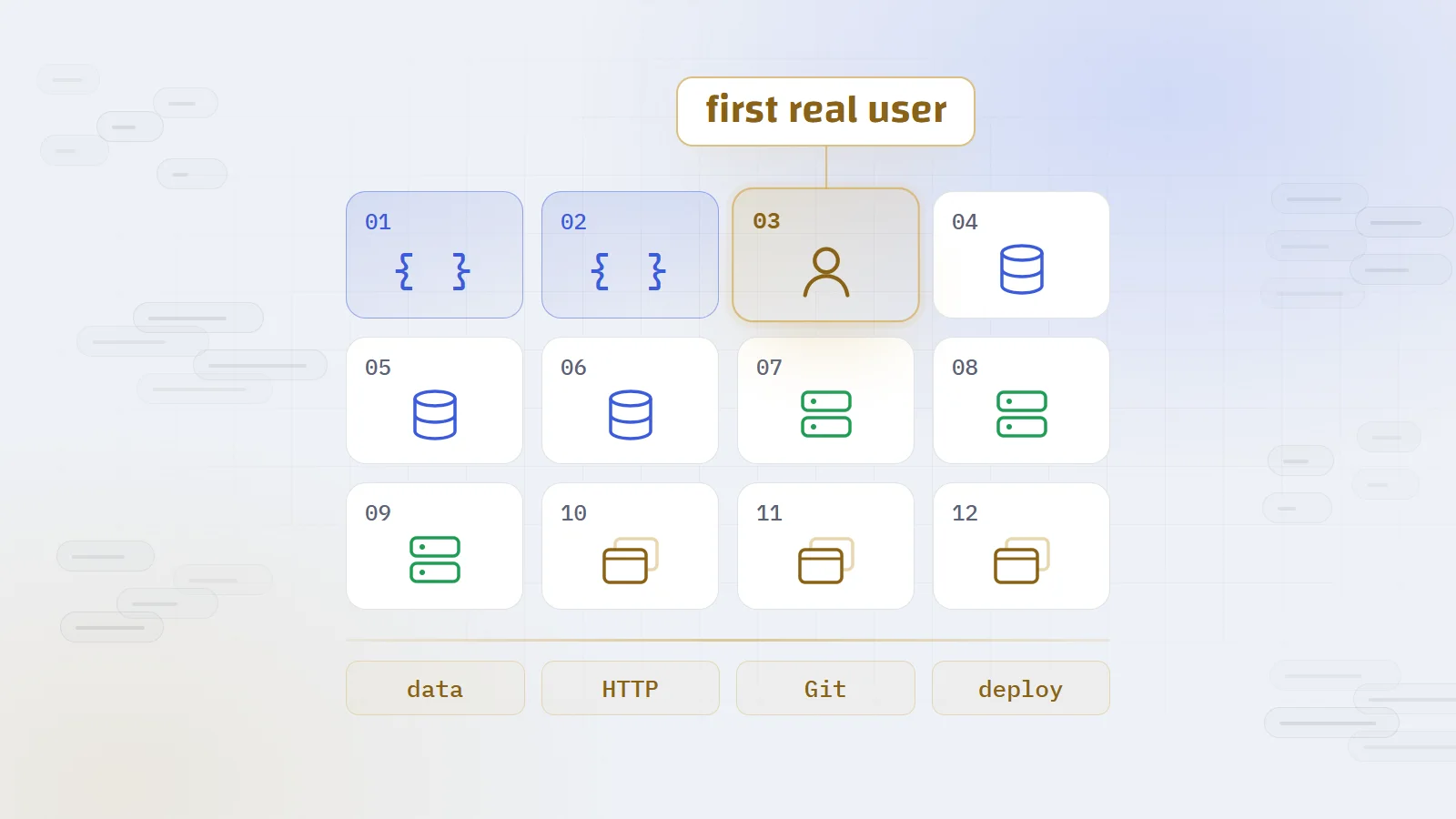
Exercises are useful. They teach you the language. But every exercise is missing the same three things, and those three are where programming gets hard:
The first row brings the other five. The moment a real person depends on what you built, their data, their phone and their mistakes become your problem.
Real data breaks the assumptions you did not know you had
Real people do things you did not plan for. They register twice with the same email. They press the button again while the page is still loading. Two of them act on the same record at the same moment.
The event platform answers each of those. A second registration with the same email gets a 409, a status code that means "conflict", with a message in Arabic that tells the visitor to check the ticket already in their inbox. And the gate, trimmed from the real code, works like this:
// Staff may check a visitor in. Only an admin may undo a check-in or cancel.
if (action !== "CHECK_IN" && user.role !== "ADMIN")
  throw new HttpError(403, "هذه العملية متاحة للمدير فقط.");

// Accept the scan only if the ticket is still unused.
const [result] = await connection.execute(
  "UPDATE registrations SET status='CHECKED_IN', checked_in_at=UTC_TIMESTAMP(), checked_in_by=? WHERE id=? AND status='REGISTERED'",
  [user.id, id],
);
if (result.affectedRows !== 1) throw new HttpError(409, "سبق تسجيل دخول هذا الزائر.");
The first message reads "this action is for the manager only". The last one reads "this visitor is already checked in".
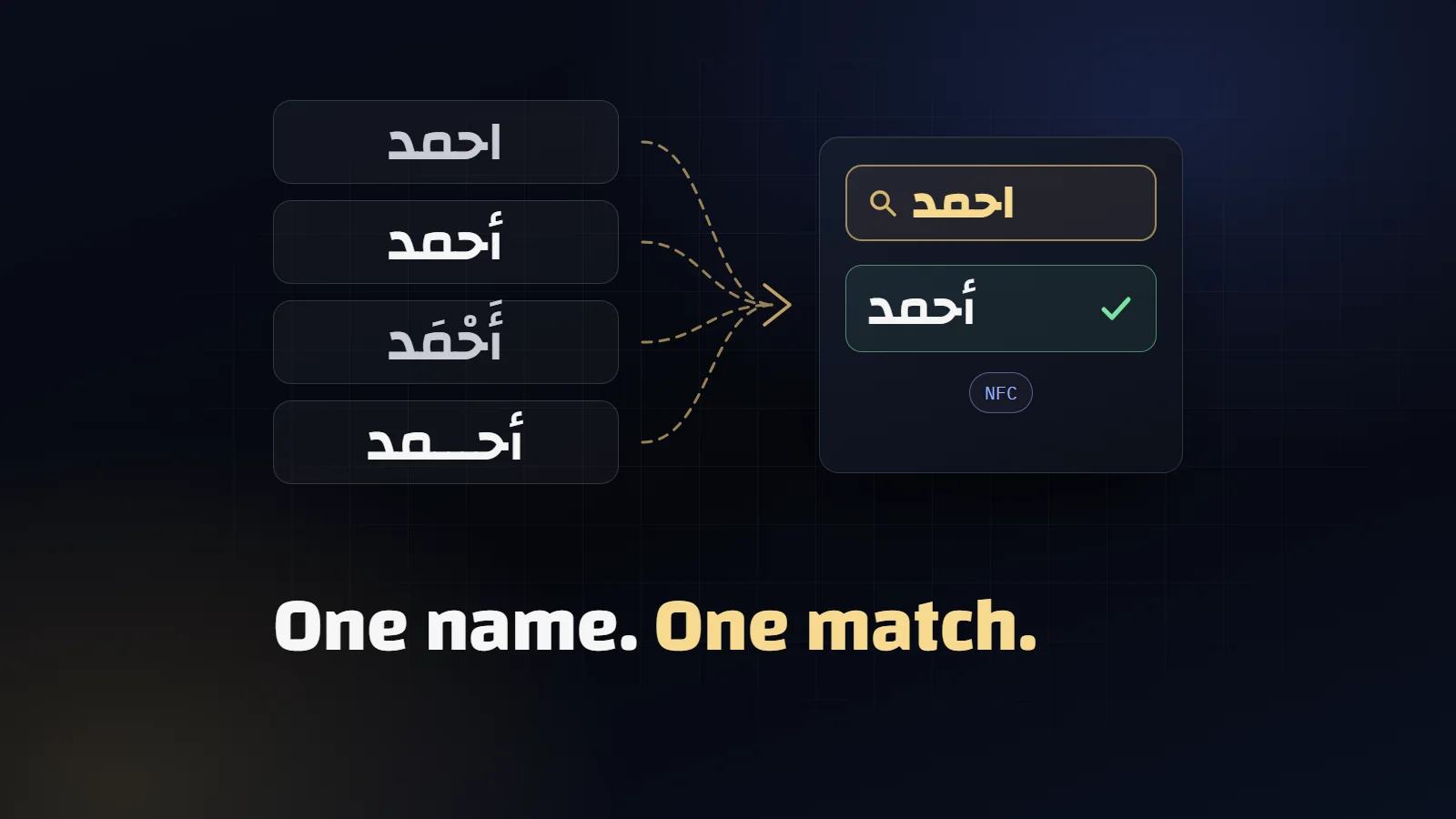
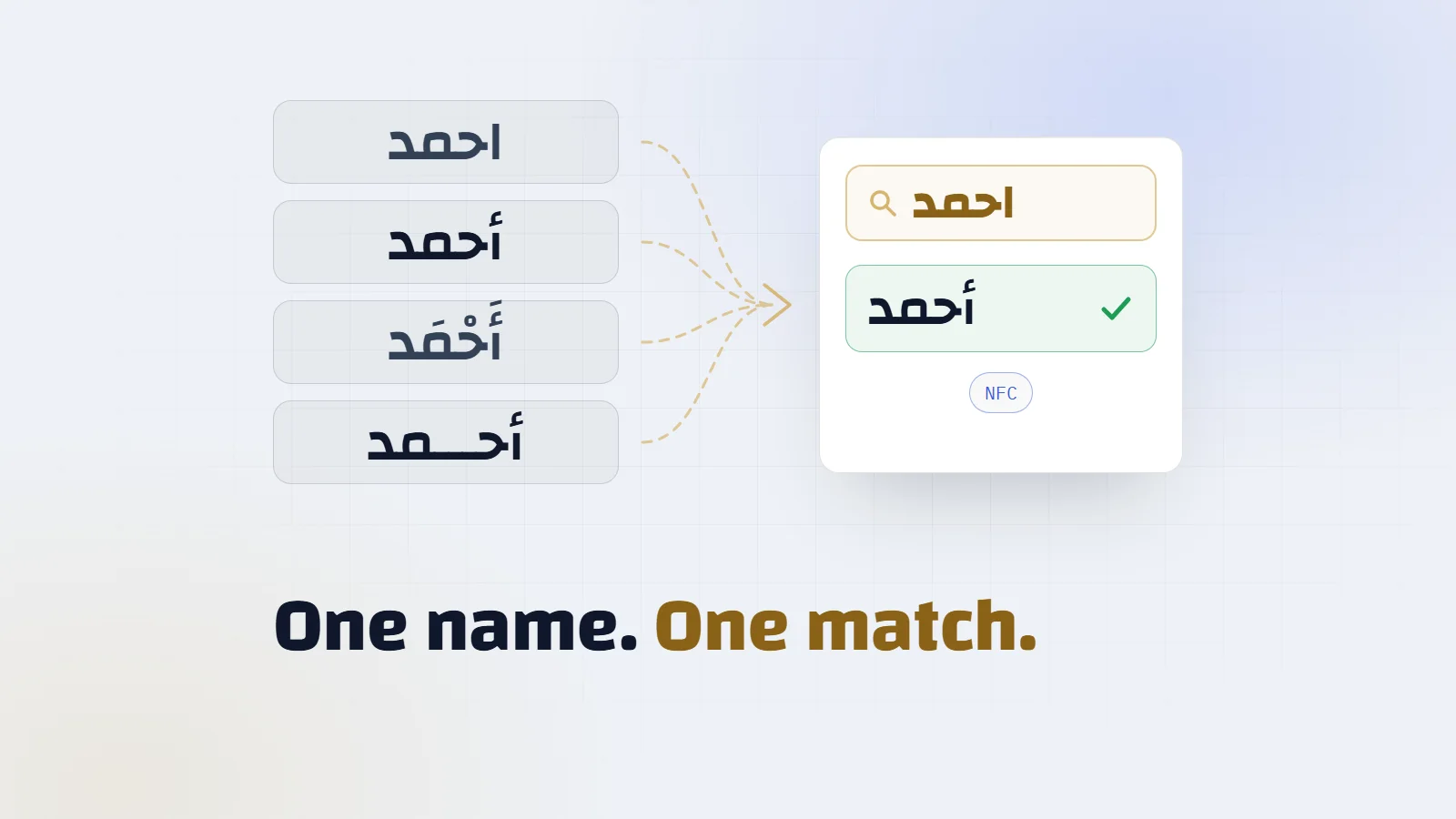
The real code goes one step further and tells a cancelled ticket and an unknown one apart. The trick is in AND status='REGISTERED'. The database changes the ticket only if nobody has checked it in yet. When two gates scan at once, the database lets one update through, and the other finds nothing left to change, so it gets the 409. No exercise would have made me think about the second gate.
Someone who may, and someone who may not
The most useful question in any project is "who may do what?", and an exercise never asks it. In the gate above, any staff member may check a visitor in, but only an admin may undo it. That one rule decides who can let a person through a door and who can erase the record of it.
In a membership platform prototype I built for a professional association's tender, the answer became six roles. A reviewer may recommend an application, and only an approver may approve it. The approval is refused until a reviewer has recommended it, and refused again if the approver is the one who reviewed it. The person who checks an application should not be the person who accepts it.
In an ordering platform for a clothing retailer, the central rule was that a customer must never see another tier's price. That rule lives inside the database itself, with its own tests, so a mistake in a screen cannot leak a price.
Tip
Before you draw a screen, write a table: roles down the side, actions across the top, a tick where a role may act. It becomes your permission checks, a set of tests, and the clearest page of your README.
Three small project ideas, and what each one teaches
Pick an idea where a rule matters to someone. These three are small enough for a beginner, and each is a smaller version of something I have built:
| Project idea | The rule that makes it real | What it teaches you |
|---|---|---|
| Bookings for a class, a clinic or a barber | A seat cannot be taken twice, one person books once, seats run out | Unique rules in the database, transactions, two people at the same moment |
| Membership for a club or an association | An application moves through states, and the reviewer is not the approver | States and the moves allowed between them, roles, a log of who did what |
| Stock for a small shop | A sale and the stock it takes leave together, or neither does | Transactions, and reports built from movements instead of edited totals |
Each idea has a real version on my work page. The event platform is bookings grown up: seven-step registration with workshop choices, QR tickets by email, and four gates. In FinyX-ERP, my accounting and point-of-sale product, an invoice, its stock movements and its journal entry are saved in one database transaction. And the membership prototype moves every application through a fixed path:
- Draftthe applicant fills in the form
- Submittedthe applicant sends it
- Reviewinga reviewer checks the documents, or asks for more
- Recommendedthe reviewer recommends it
- Approvedan approver who did not review it accepts it, or rejects it
- Completedonce any fee is paid, the membership is active
A state machine is exactly this: a list of states and the moves allowed between them. Write yours down before you write code, and every "can this happen?" question has an answer.
Cut it to four weeks
Your first idea will be too big. Every first idea is. Cut it until one person can build it in four weeks, then check that what remains is still useful to your user.
- One kind of user, plus you as the admin. A second role can wait for version two.
- One flow, end to end. For bookings: see the seats, book one, get a confirmation, and let the owner see the list.
- No online payments in version one. A field that says "paid in cash" is enough to learn from.
- A written "not included" list. Everything you cut goes there, so you stop thinking about it.
Start smaller than feels respectable. A digital invitation studio I built grew into a builder with 54 templates, but its first version saved the guests' replies in a Google Sheet through a short Apps Script. Even that tiny version taught me something no exercise would: a browser request sent in a way that cannot read the answer reports success even when nothing was saved. So the replies travel in a way that lets the page confirm each one was written.
A four-week plan
- Week 1the data model, one screen, live at a real address
- Week 2the main flow end to end, with the roles enforced on the server
- Week 3your user tries it while you watch, and you fix what they hit
- Week 4duplicates, empty fields, two people at once, a backup, a README
Week 1. Design the tables first: for bookings, perhaps slots, bookings and users. Build one screen that reads from them. Then deploy it, ugly as it is. A project that is live in week one stays live, and one that waits for "ready" waits forever.
Week 2. Build the main flow from start to finish. Check every permission on the server, not only by hiding a button, because anyone can send a request without your screen.
Week 3. Hand it to your user. Sit next to them and do not explain anything. Write down every place they hesitate, every error, every "where do I…". That list is your week.
Week 4. Go hunting for the cases from the gate: the same person twice, an empty name, a name in Arabic, two people booking the last seat together. Set up a backup of the database and restore it once, so you know it works. Write a README that says what the project does, how to run it, and what is not included.
Watch it being used
Deploying is not the finish line. Watching is.
When I hand over a system, the client's own team tests each phase on their own server before the next phase begins. Their staff find problems that matter to them, while those problems are still cheap to fix. Your first project deserves the same. The event platform was tested in the browser at 360, 390, 768 and 1440 pixels wide, because staff and visitors would bring whatever phone they had.
What you learn from watching cannot be learned any other way. The button you thought was obvious is not. The field you marked optional is the one they always fill. The report you skipped is the first thing they ask for.
The checklist
- A real user who is not you, with a real need.
- Real data: names in Arabic, empty fields, duplicates.
- At least two roles, and a written table of who may do what.
- Permissions checked on the server, not only hidden in the screen.
- One flow, end to end, before any second feature.
- A "not included" list for everything you cut.
- Live at a real address in week one.
- Two people at the same moment, tested on purpose.
- A backup you have restored at least once.
- A README: what it does, how to run it, what is not included.
An exercise checks that you can write code. A real project checks that your code can survive a person who is not you.
My work page shows what each of these ideas looks like when it grows up.
Share